You stored your crypto in a cold wallet to keep it safe, and now you want to sell. The process takes a few more steps than selling from an exchange, but it is not complicated once you understand how it works.
The short version: a cold wallet does not trade or handle cash. It stores your private keys offline and signs transactions. To sell, you move your crypto from the cold wallet to an exchange, place a sell order, and withdraw the money to your bank account.
This tutorial covers the full process from start to finish, including how to sell from Ledger and Trezor, how to handle paper wallets, what to do if your token is not supported, and the most common mistakes that cost people money.
What Is a Cold Wallet and Why Does It Matter When Selling
A cold wallet keeps your private keys completely offline. Because it has no internet connection, hackers, phishing attacks, and malware cannot reach your funds. That is the reason long-term holders move their crypto off exchanges into cold storage.
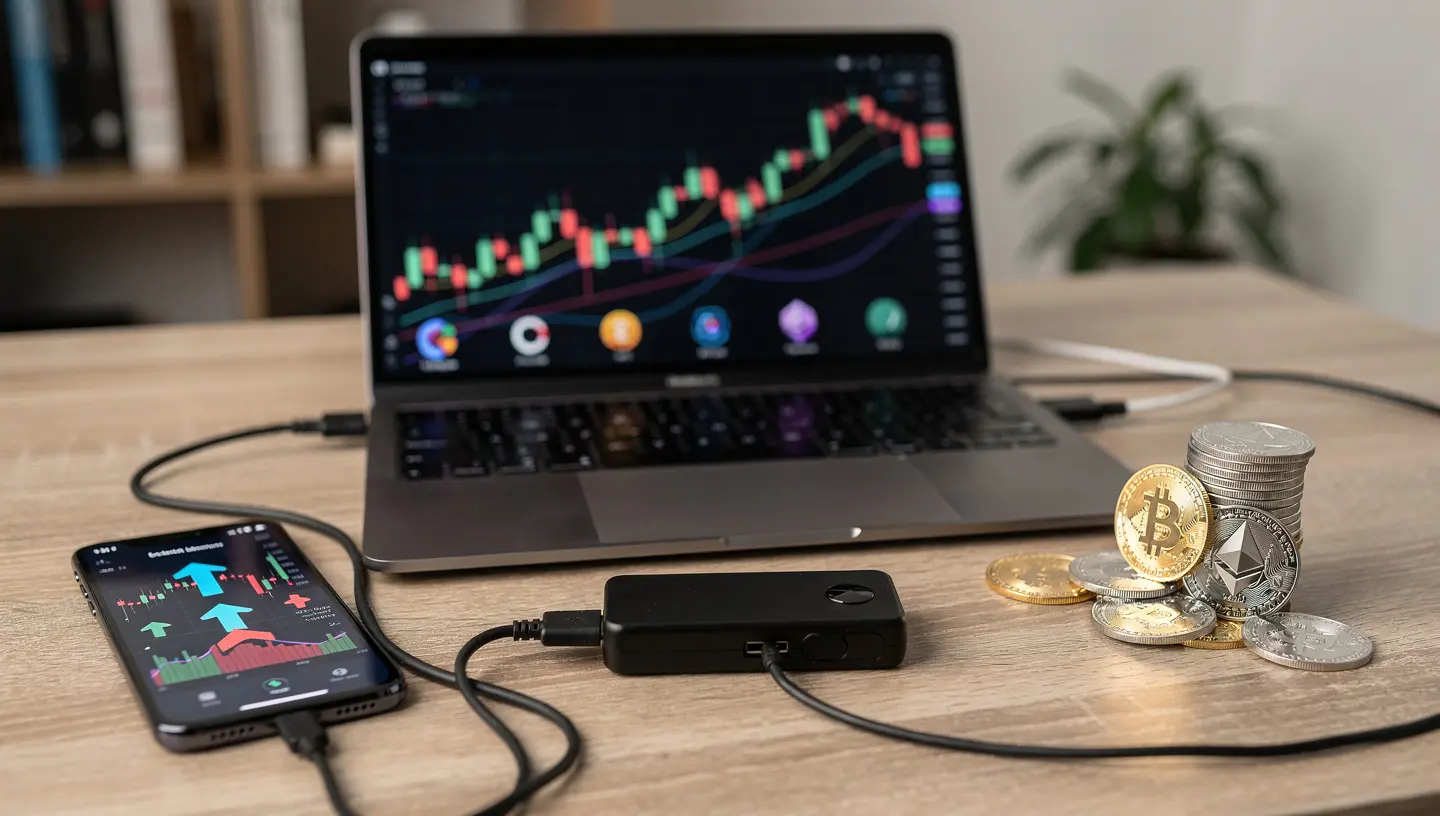
There are two main types of cold wallets relevant here: hardware wallets and paper wallets. Understanding which one you have determines exactly how you will go about selling.
Hardware Wallets (Ledger, Trezor)
A hardware wallet is a physical device, roughly the size of a USB drive, that stores your private keys on a secure chip. The two most widely used devices are Ledger (Nano X, Nano S Plus) and Trezor (Model T, Trezor One).
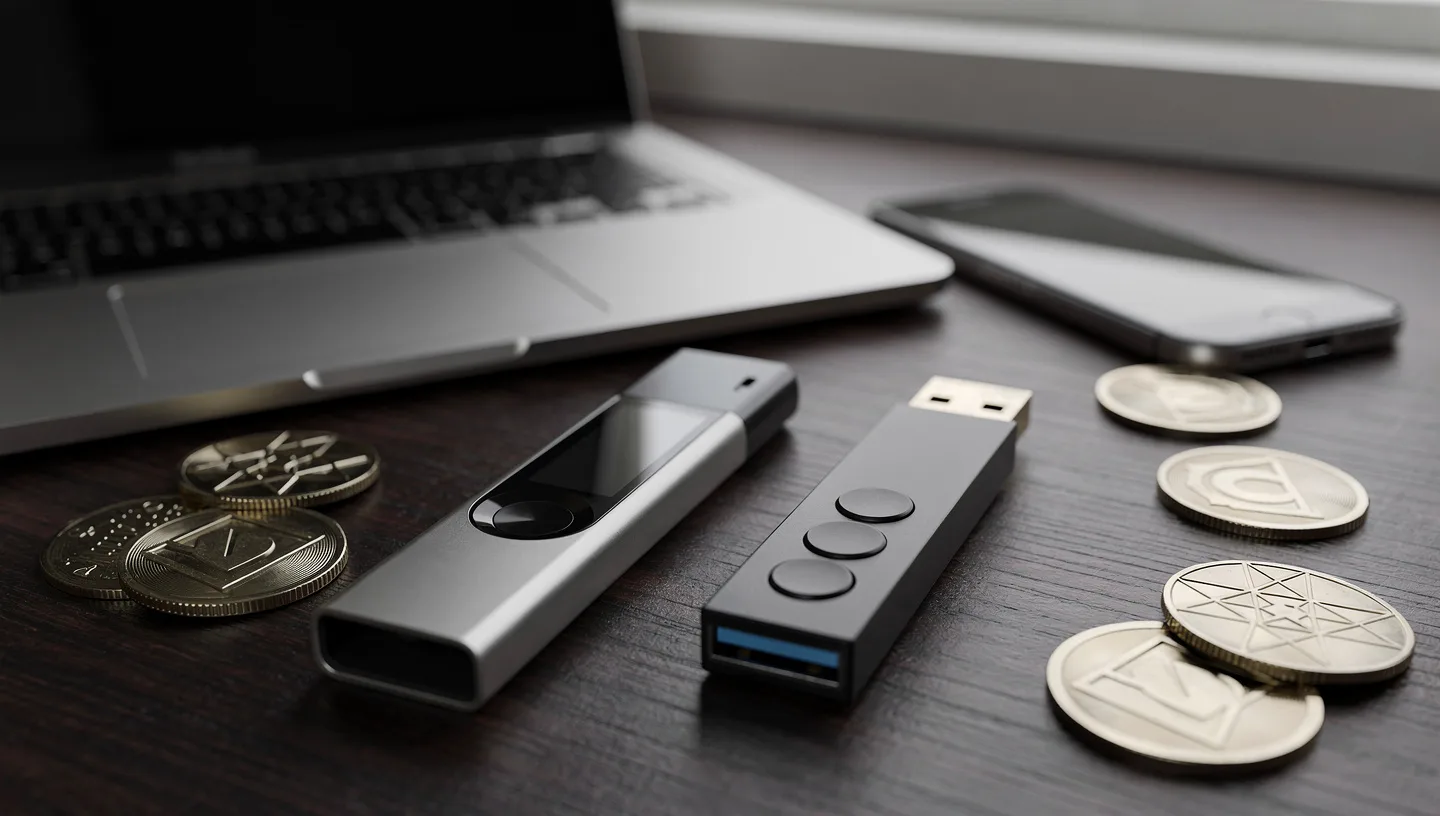
Both come with companion software: Ledger Live for Ledger devices and Trezor Suite for Trezor devices. You connect the device to your computer via USB, confirm transactions on the device itself, and your keys never leave the hardware.
If you are not yet sure which type of storage suits your needs, the comparison between what a cold wallet is and what a hot wallet is explains the core differences.
Paper Wallets
A paper wallet is a printed document containing your public address and your private key, usually as a QR code. It is entirely offline and immune to digital theft. The downside is that selling from a paper wallet requires importing the private key into a software wallet first, which exposes it to the internet temporarily. This makes the process riskier than selling from a hardware wallet, and it is covered in detail in its own section below.
Why You Cannot Sell Crypto Directly from a Cold Wallet
Cold wallets are built for one purpose: secure storage. They sign transactions but do not connect to trading platforms or handle fiat currency. The wallet itself has no account balance in the traditional sense, no order book, and no way to receive bank payments. Some devices like Ledger have added limited selling features through Ledger Live via third-party partners like Coinify and MoonPay, but even then the assets are only sold through an external service integrated into the app.
For the vast majority of cold wallet users, the process involves moving crypto to an exchange first. That is the standard method this tutorial follows.
What You Need Before You Start
Before moving anything, get these things in order:
- Your cold wallet device (or paper wallet with private key accessible)
- Companion software installed and updated (Ledger Live or Trezor Suite)
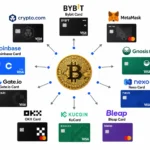
- A verified account on a centralized exchange (Binance, Coinbase, Kraken, or similar)
- Your PIN for the hardware wallet
- A bank account linked to the exchange for fiat withdrawal
- Enough native token to cover network fees if you need to swap tokens first (more on this below)
A note on fees: selling from a cold wallet involves at least two fee types. The network fee (also called gas fee) is paid to miners or validators to process your transfer on the blockchain. The trading fee is charged by the exchange when you place a sell order. Some exchanges also charge a withdrawal fee when you send fiat to your bank. Factor all three into your calculation before you sell.
It is also worth checking the current market price before initiating anything. Crypto prices move fast, and a transfer that takes 30 minutes means you are selling at whatever price exists when you arrive on the exchange, not when you started the process.
How to Sell Crypto from a Cold Wallet: Step-by-Step
This is the core process that works for any cold wallet and any exchange. The steps after this section cover specific wallets in more detail.
Step 1: Choose the Right Exchange
You need a centralized exchange (CEX) that supports the cryptocurrency you want to sell and allows fiat withdrawals to your bank. The most widely used options are Binance, Coinbase, and Kraken. Each of these supports hundreds of tokens, has fiat withdrawal options in most countries, and requires identity verification (KYC).
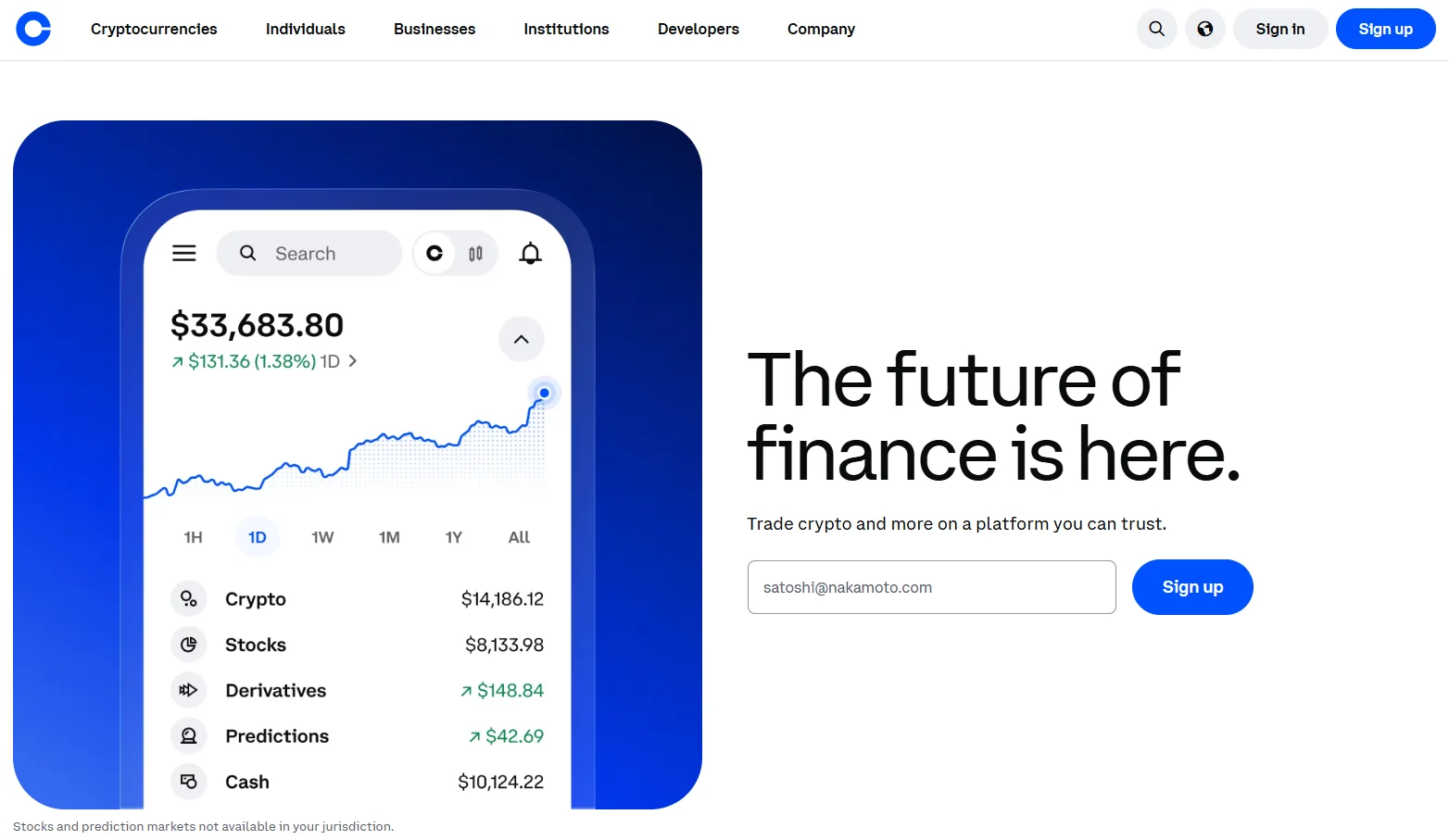
Check two things before proceeding. First, confirm the exchange lists the specific token you want to sell. Second, confirm it supports withdrawals in your local currency. If either of these is missing, you will need to either use a different exchange or swap your token for a supported one before transferring.
Step 2: Get the Deposit Address from the Exchange
Log in to your exchange account and go to the Deposit or Receive section. Select the cryptocurrency you are sending. The exchange will generate a deposit address specific to that coin and network.
Copy this address carefully. Do not type it manually. A single wrong character means the funds go to an address nobody controls, and they cannot be recovered.
Step 3: Check the Network Before You Send Anything
This step is where most mistakes happen, and most tutorials gloss over it.
Many tokens exist on multiple blockchains. For example, USDT runs on Ethereum (ERC-20), BNB Chain (BEP-20), Tron (TRC-20), and others. If you send USDT via BEP-20 to an exchange deposit address that expects ERC-20, the funds arrive on the wrong network and the exchange may not credit them automatically.
Before sending, match the network on your cold wallet to the network selected on the exchange deposit screen. They must be identical. Both should show the same network name, such as “Ethereum (ERC-20)” or “BNB Smart Chain (BEP-20).”
Step 4: Transfer Crypto from Your Cold Wallet to the Exchange
Now open your cold wallet software. In Ledger Live, go to the relevant account and click Send. In Trezor Suite, navigate to the account and select Send. Paste the exchange deposit address into the recipient field. Double-check it character by character against the address shown on the exchange. Enter the amount you want to send.
Before confirming, your device will display the transaction details on its screen. Verify the address shown on the hardware wallet screen matches what you see on the computer. This protects against clipboard hijacking malware that replaces copied addresses. Confirm on the device.
For paper wallets, the process differs and is covered in the paper wallet section below.
Step 5: Wait for Blockchain Confirmation
Once sent, the transaction goes to the blockchain where miners or validators confirm it. Bitcoin transfers typically take 10 to 60 minutes depending on network congestion and the fee you paid. Ethereum transactions usually confirm within a few minutes. Other networks like Solana or BNB Chain confirm in seconds.
The exchange will credit your account after a certain number of confirmations, which varies by exchange and by coin. You can track the transaction using the transaction hash (TXID) shown in your wallet software on a block explorer like Etherscan or Blockchain.com.
Step 6: Place a Sell Order
Once your crypto appears in your exchange account, go to the trading section. You have two main options:
- Market order: sells immediately at the current market price. Fast and simple, but you accept whatever price exists at the moment of execution.
- Limit order: you set a specific price. The order only executes if the market reaches that price. Useful if you want to sell at a target price and are not in a rush.
For most people selling from cold storage for the first time, a market order is the straightforward choice. Select the crypto, enter the amount, review the fee, and confirm the sale.
Step 7: Withdraw Fiat to Your Bank Account
After the sell order executes, your fiat balance (USD, EUR, GBP, or your local currency) appears in your exchange account. Go to the Withdraw section, select fiat, enter your bank account details if not already saved, and enter the amount. Most exchanges process withdrawals via bank transfer (SEPA in Europe, ACH in the US), and the money arrives within one to two business days depending on your bank and the exchange.
Some exchanges also offer instant withdrawal to a debit card for a higher fee. Check the fee schedule before choosing a withdrawal method.
How to Sell Crypto from a Ledger Cold Wallet
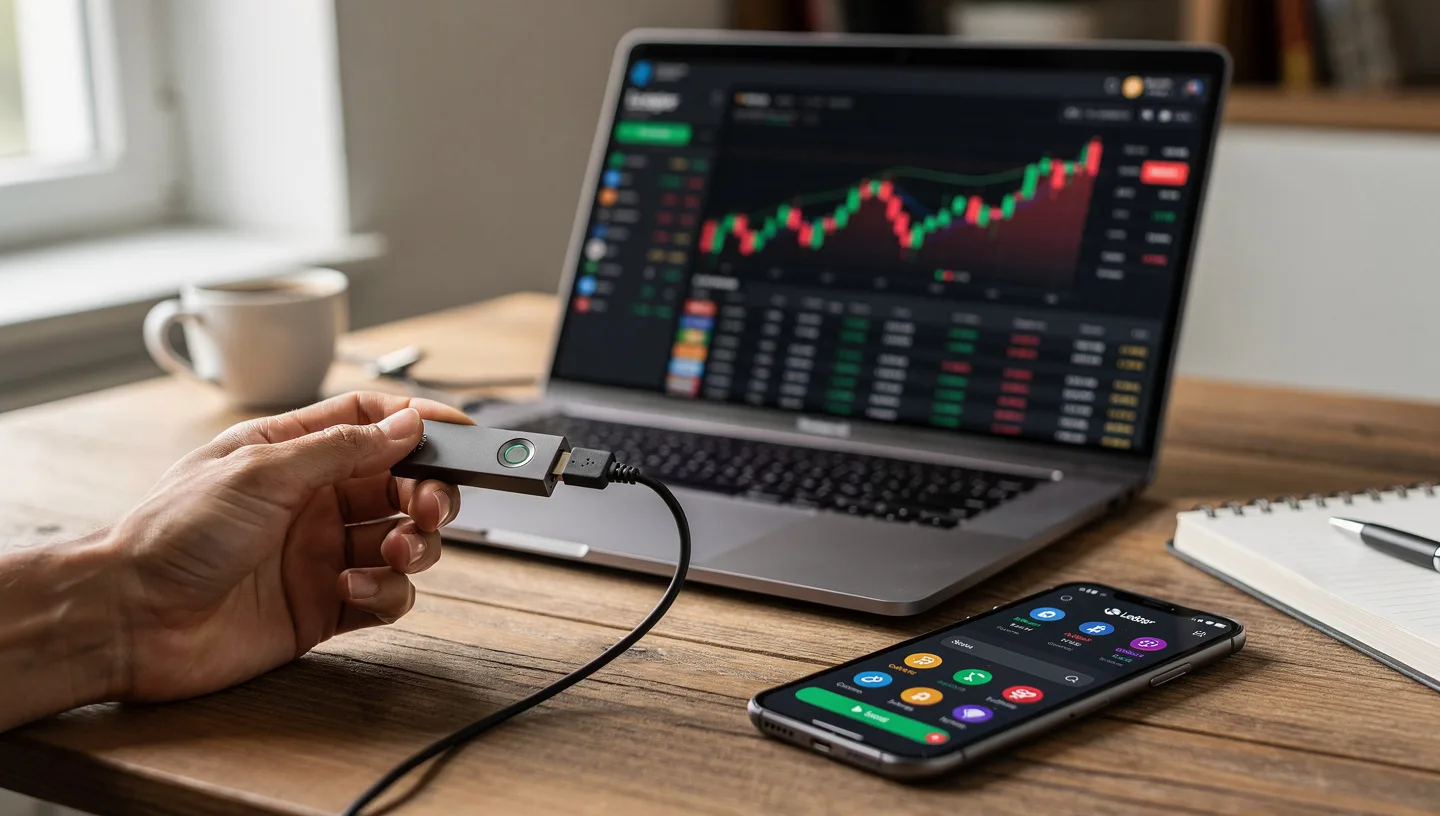
Ledger Live is the companion app for all Ledger devices. It supports Ledger Nano X, Nano S Plus, and Ledger Stax. Here is the full process specific to Ledger.
- Connect your Ledger device to your computer via USB.
- Open Ledger Live and enter your PIN on the device.
- In Ledger Live, open the account holding the crypto you want to sell.
- Click Send.
- Paste the deposit address from your exchange into the recipient field.
- Select the correct network (for tokens that run on multiple chains).
- Enter the amount and review the estimated network fee.
- The Ledger device will display the transaction. Verify the address on the device screen. Confirm using the physical buttons.
- Wait for the transaction to confirm on the blockchain.
- Once credited to your exchange, follow Steps 6 and 7 above to sell and withdraw.
Ledger Live does have a built-in Sell feature through Coinify and MoonPay for select assets including BTC, ETH, SOL, USDT, and USDC. If you prefer not to use an external exchange, you can access it directly in the app under the Buy/Sell tab. However, the available currencies and countries are more limited than on a major exchange.
For those who want to understand the broader question of who actually controls your keys during this process, the guide on custodial vs non-custodial wallets covers this clearly.
How to Sell Crypto from a Trezor Cold Wallet
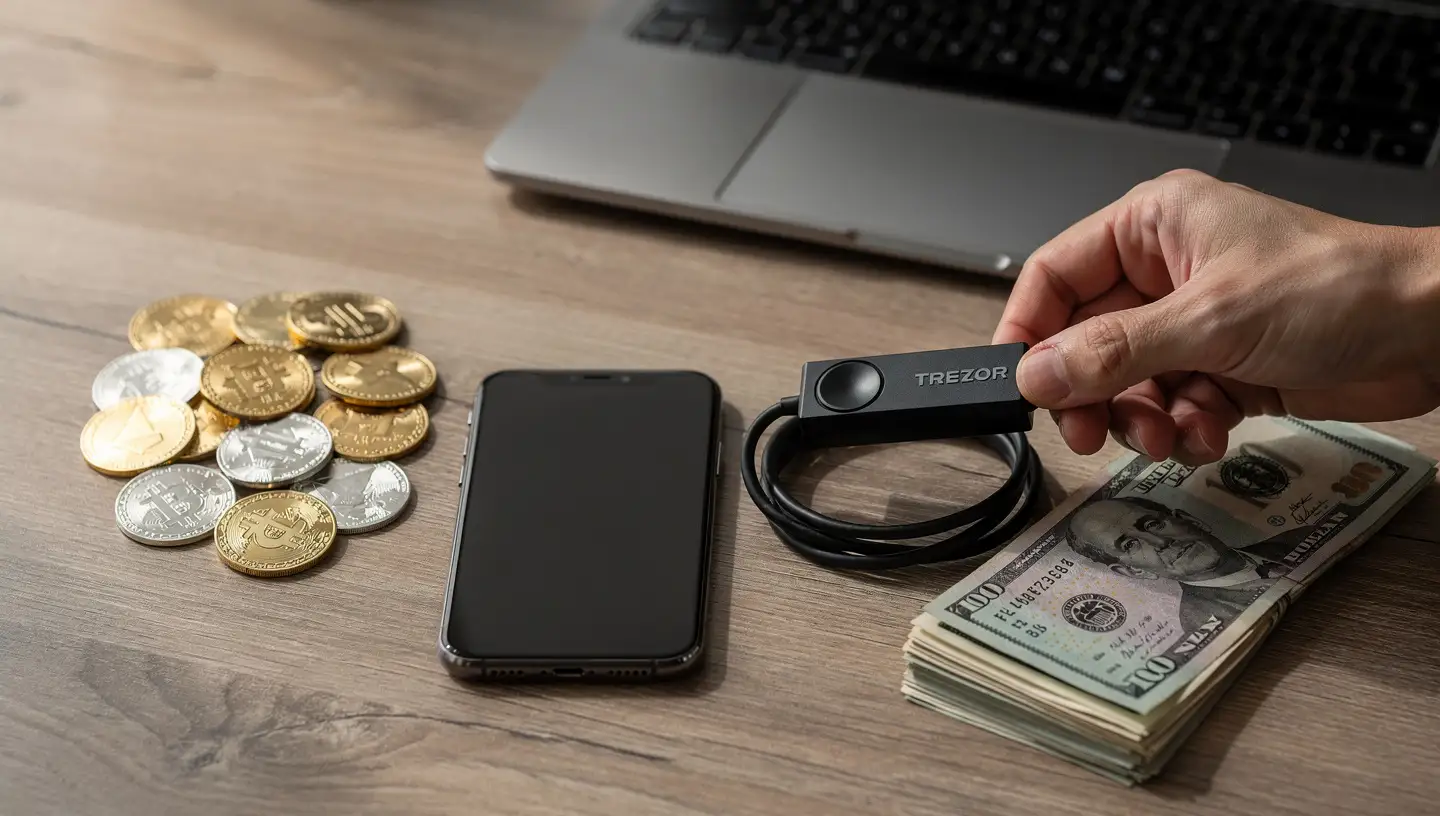
Trezor Suite is the desktop and browser application for Trezor One and Trezor Model T. The process is almost identical to Ledger, with a few differences in the interface.
- Connect your Trezor device to your computer via USB.
- Open Trezor Suite and unlock the device with your PIN.
- Select the account and cryptocurrency you want to sell.
- Click Send.
- Paste the exchange deposit address into the To field.
- Choose the fee level: Trezor Suite shows Low, Normal, and High. Higher fee means faster confirmation.
- Review the transaction summary. Click Send.
- The Trezor device displays the recipient address and amount. Verify on the screen, then confirm by pressing the physical button (Trezor One) or tapping the screen (Model T).
- Once the transfer confirms on the blockchain, sell and withdraw via the exchange as described above.
Trezor Suite also has a built-in exchange feature for swapping between cryptocurrencies via third-party partners. It does not have a direct sell-to-fiat feature as of this writing, so you will need an external exchange to convert to cash.
How to Sell Crypto from a Paper Wallet
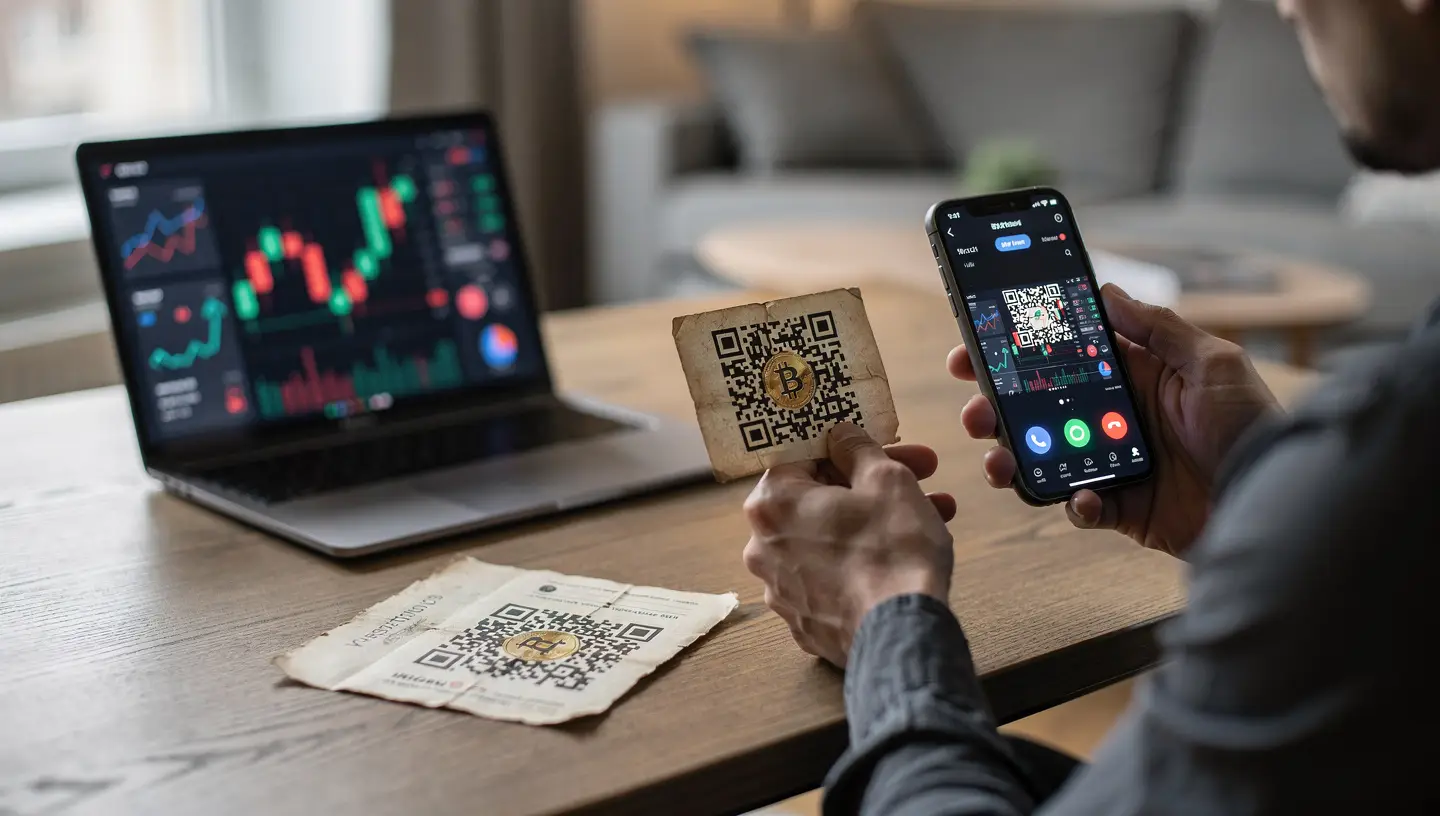
Selling from a paper wallet requires importing your private key into a software wallet or exchange. This process temporarily exposes the private key to an internet-connected environment, which is the main security risk to be aware of.
The safest approach is to sweep the wallet rather than import it. Sweeping sends the entire balance to a new address, after which the paper wallet is considered spent and should not be reused.
For Bitcoin:
- Download and install Electrum (a widely used Bitcoin wallet).
- When creating a new wallet, select “Import Bitcoin addresses or private keys.”
- Enter your private key from the paper wallet.
- Electrum will show your balance. From here, send the Bitcoin to your exchange deposit address following the same steps as above.
For Ethereum and ERC-20 tokens:
- Go to MyEtherWallet (myetherwallet.com) or use MetaMask.
- Access your wallet using the private key option.
- Send your ETH or tokens to your exchange deposit address.
Important: Do this on a computer you trust, on a network you control. Do not use public Wi-Fi. After sweeping, delete any software that stored the private key and consider the paper wallet permanently retired. Never reuse it.
If your paper wallet stores a seed phrase rather than a bare private key, you can restore the wallet in Ledger Live, Trezor Suite, or any BIP39-compatible wallet without exposing individual private keys.
What to Do If Your Token Is Not Supported on the Exchange
If the exchange does not list your token, you cannot deposit and sell it directly. This is common with smaller altcoins, newer tokens, and memecoins. The solution is to swap it for a supported token before transferring.
The most reliable approach is to swap inside your cold wallet software before sending anything to the exchange. Ledger Live has a built-in swap feature. Trezor Suite also supports swaps through integrated partners.
Alternatively, you can use a decentralized exchange (DEX) by connecting your hardware wallet:
- For Ethereum-based tokens: connect to Uniswap via MetaMask with your Ledger or Trezor as the signing device.
- For BNB Chain tokens: use PancakeSwap the same way.
- For Solana tokens: use Jupiter.
Swap your token for ETH, BTC, or USDC, then send that to the exchange. Make sure you have the native token available to pay gas fees before attempting any swap. On Ethereum you need ETH, on BNB Chain you need BNB, on Solana you need SOL. Without it, the transaction cannot be sent.
Other Ways to Sell Crypto After Transferring from Cold Storage
A centralized exchange is the most common method, but it is not the only one. Depending on your situation, one of these alternatives may work better.
Peer-to-Peer (P2P) Trading
P2P platforms connect buyers and sellers directly. You post a sell offer, agree on a price with a buyer, and complete the transaction through an escrow system. Binance P2P, Paxful, and LocalCoinSwap are the main platforms for this.
P2P is useful if you want to sell large amounts without affecting market price, if you want to accept payment methods not available on standard exchanges, or if you prefer to skip KYC requirements. The risk is counterparty fraud, which is why using platforms with escrow and a reputation system matters. Always use the escrow, never release crypto before confirming payment.
Bitcoin ATMs
A Bitcoin ATM lets you send crypto directly from your wallet and receive cash. Some machines support ETH and a handful of other coins beyond Bitcoin. The main advantage is speed and simplicity: one transfer, immediate cash.
The main disadvantages are significant. Bitcoin ATMs typically charge fees between 7% and 20%, which is substantially higher than exchange fees. They have low cash limits. Most require identity verification for amounts above a threshold set by local regulations. They also require physical travel to the machine’s location.
OTC Trading Desks
An OTC (over-the-counter) trading desk handles large transactions off an open exchange. If you are selling a significant amount, placing a large market order on a standard exchange can move the price against you. An OTC desk agrees on a fixed price for the full amount, executes the trade privately, and the price impact on the market is zero.
OTC desks are typically used for transactions above $50,000-$100,000. Coinbase Prime, Kraken OTC, and Cumberland are among the known options. They require KYC and account approval before trading.
Crypto Loan Services
If you need cash but do not want to sell your holdings and trigger a taxable event, a crypto loan lets you borrow fiat using your crypto as collateral. You keep ownership of your crypto, receive cash, and repay the loan with interest over time.
This approach works well for people who expect the price to rise and want liquidity without selling. The risk is liquidation: if the price of your collateral drops below a certain threshold, the platform sells your crypto to cover the loan. Interest rates and terms vary significantly between providers.
Common Mistakes When Selling Crypto from a Cold Wallet
These are the errors that come up repeatedly, and most of them result in permanent loss of funds.
| Mistake | What Happens | How to Avoid It |
|---|---|---|
| Sending to the wrong network | Funds arrive on the wrong chain, exchange may not credit them | Match network on wallet AND exchange before sending |
| Typing the deposit address manually | Typo sends funds to a nonexistent or wrong address | Always copy-paste, then verify the first and last 6 characters |
| Clipboard hijacking | Malware replaces the copied address with an attacker’s address | Verify address on the hardware wallet device screen before confirming |
| Not having gas fees ready | Transaction cannot be broadcast, funds are stuck | Keep a small amount of the native token in the wallet for fees |
| Reusing a paper wallet after sweeping | Private key is now compromised, any new funds sent there are at risk | Treat a swept paper wallet as permanently spent |
| Sending to an exchange that does not support the token | Funds may be unrecoverable | Confirm support on the exchange before initiating the transfer |
| Not accounting for fees before selling | You end up with less fiat than expected | Check network fee, trading fee, and withdrawal fee in advance |
Tax Implications of Selling Crypto from Cold Storage
Selling crypto is a taxable event in most countries. The tax you owe is typically calculated on the capital gain: the difference between what you paid for the crypto (cost basis) and what you sold it for. Holding crypto in a cold wallet does not change this. The moment you sell and convert to fiat, you have a reportable gain or loss.
A few points worth knowing:
- Moving crypto from a cold wallet to an exchange is not a taxable event by itself. The taxable event is the sale.
- Swapping one cryptocurrency for another (e.g., ETH for USDC before selling) is treated as a sale in many jurisdictions and may itself be taxable.
- Using a crypto loan instead of selling is generally not a taxable event, since you are borrowing against an asset rather than disposing of it.
- Long-term holdings (typically over one year) are often taxed at a lower rate than short-term holdings in countries like the US and UK.
Tax rules vary significantly by country. Consult a tax professional familiar with crypto in your jurisdiction before selling large amounts.
Frequently Asked Questions
Can I sell crypto directly from a cold wallet without an exchange?
In most cases, no. Cold wallets are built to store and sign transactions, not to trade. The exception is Ledger Live, which has a limited built-in sell feature through Coinify and MoonPay for a small selection of coins in supported countries. For everything else, you need to transfer to an exchange first.
How long does it take to sell crypto from a cold wallet?
The full process typically takes between 30 minutes and a few hours, depending on the network. Bitcoin transfers take the longest, sometimes 30 to 60 minutes for confirmations. Ethereum usually takes 5 to 15 minutes. Faster networks like Solana confirm in under a minute. Once on the exchange, placing a market sell order is instant. Fiat withdrawal to a bank account takes one to two business days on most exchanges.
Is it safe to transfer crypto from a cold wallet to an exchange?
The transfer itself is safe if you verify the deposit address carefully and match the network. The main risks are user errors (wrong address, wrong network) and clipboard malware. Using a hardware wallet that displays the address on its own screen eliminates the clipboard malware risk. Once crypto is on the exchange, you are relying on the exchange’s security rather than your own. Use two-factor authentication on your exchange account.
What happens if I send crypto to the wrong network?
If you send a token on the wrong network, the exchange may not credit your account automatically. Some exchanges have recovery processes for this, but they typically charge a fee and are not guaranteed. The funds are not destroyed but they are inaccessible through the exchange interface. Contact exchange support immediately with your transaction hash. Prevention is the only reliable solution: always match the network before sending.
Do I need KYC to sell crypto from a cold wallet?
If you are using a centralized exchange, yes. All major regulated exchanges require identity verification (KYC) before allowing fiat withdrawals. The cold wallet itself does not require any identity, but the exchange does. If you prefer to avoid KYC, P2P platforms offer more flexibility, though with added counterparty risk. For context on the difference between wallet types and custody, see the breakdown of custodial vs non-custodial wallets.
What is the cheapest way to sell crypto from a cold wallet?
The cheapest method is usually a centralized exchange with low trading fees and free or low-cost bank withdrawals. Kraken and Binance consistently have among the lowest fee structures for this. Avoid Bitcoin ATMs for selling large amounts as their fees are significantly higher. If you are selling very large amounts, an OTC desk can get you a better price than a standard exchange by avoiding market slippage.
Can I sell any cryptocurrency from a cold wallet?
You can sell any cryptocurrency that your cold wallet supports and that an exchange lists. Hardware wallets like Ledger and Trezor support thousands of coins and tokens. The limiting factor is usually the exchange. Smaller altcoins and newer tokens may not be listed on major exchanges, in which case you need to swap them for a supported coin before transferring. See the section above on what to do if your token is not supported.
Summary
Selling crypto from a cold wallet comes down to four actions: connect your wallet, transfer to an exchange, place a sell order, withdraw to your bank. The extra steps compared to selling from an exchange exist because cold storage keeps your keys offline, which is precisely what makes it secure.
The steps that trip most people up are the network check before sending and verifying the address on the hardware wallet screen. Get those two right and the rest of the process is straightforward. Use a hardware wallet display to verify every address, never type addresses manually, and always match networks on both ends before sending.
For anyone still learning the basics of what backs the value of what they are selling, the guides on what Bitcoin is and what crypto is cover the fundamentals.
Two external references used in preparing this guide: