Coinbase is a custodial exchange, meaning the company holds your private keys on your behalf. You do not own the keys to your crypto when it sits on Coinbase, and that means you are trusting a third party to keep it secure and available. Moving your crypto to a cold wallet, where you hold the private keys yourself, removes that dependency entirely. This guide covers every step of the process, the most common mistake people make, what fees to expect, and how to fix problems if something goes wrong.
Why move crypto from Coinbase to a cold wallet?
Coinbase is one of the most regulated and established exchanges in the world, but keeping crypto on any exchange carries risk that self-custody removes. When Coinbase holds your funds, they control the private keys. If Coinbase is hacked, freezes withdrawals, faces regulatory action, or goes bankrupt, your access to those funds depends on Coinbase resolving the situation. The collapse of FTX in November 2022 locked billions of dollars of customer funds out of reach permanently. FTX was also considered a reputable exchange before it failed.
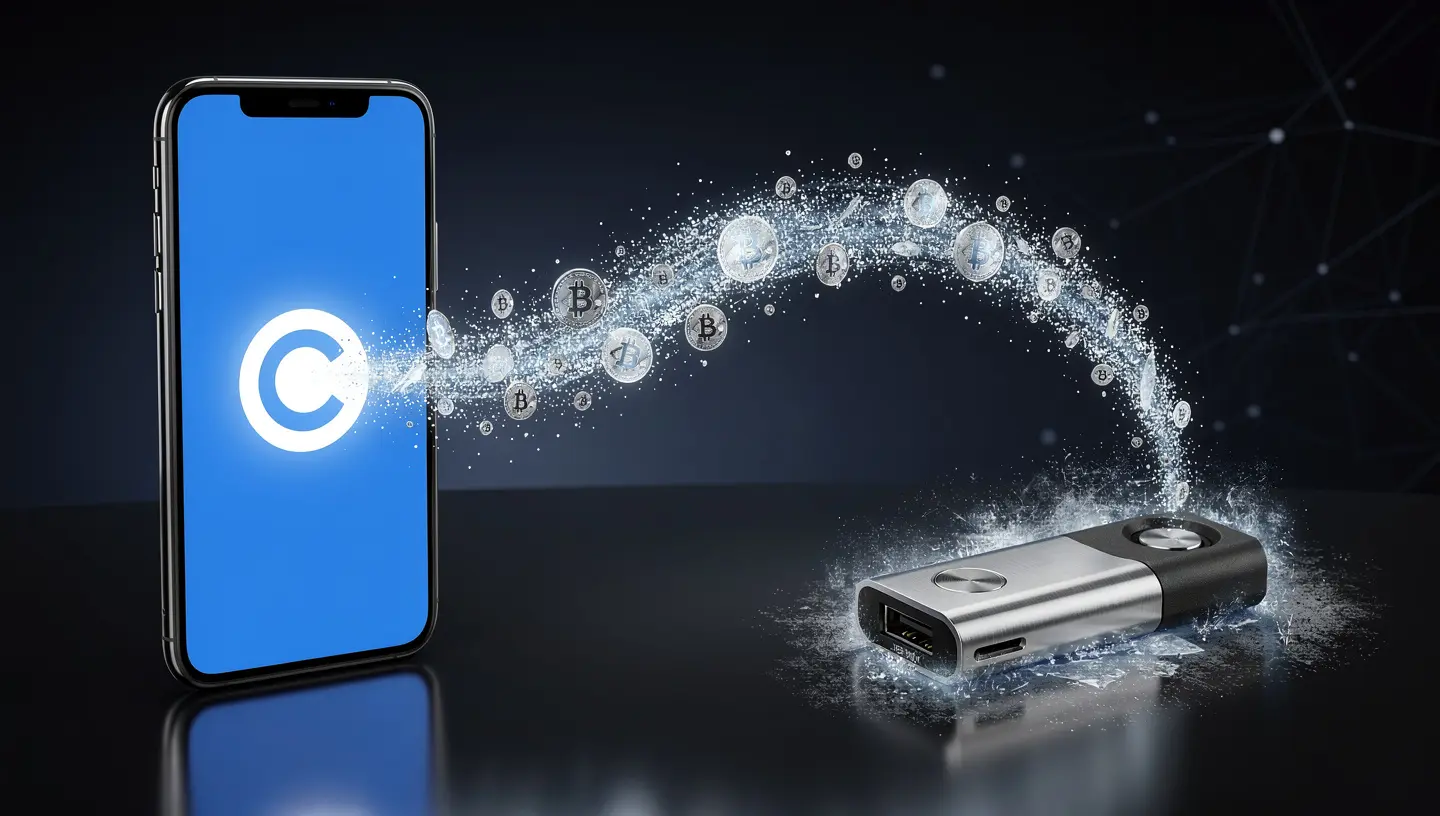
A cold wallet, also called a hardware wallet, stores your private keys offline on a physical device that never connects to the internet during normal use. When your crypto is in a cold wallet, no company can freeze it, no hacker can access it remotely, and no exchange failure affects it. The phrase common in crypto is “not your keys, not your coins.” Moving off Coinbase is how you become the only person with control. For a full explanation of what a cold wallet is and how it differs from other storage options, the guide on what a cold wallet is covers the mechanics clearly.
What you need before you start
Before you send a single transaction, make sure everything below is in place. Skipping any of these steps is how mistakes happen.
- A hardware wallet from an official source: buy only from the manufacturer directly (ledger.com or trezor.io). Never buy a used hardware wallet or one from a third-party marketplace
- Firmware updated: connect your device and update to the latest firmware before doing anything else
- Ledger Live or Trezor Suite installed: these are the desktop applications you use to generate receiving addresses and view your balance
- The correct coin app installed on your device: you need the Bitcoin app installed to receive Bitcoin, the Ethereum app for ETH, and so on
- Your seed phrase written down and stored securely: do this before any transfer. If your device is lost or broken, the seed phrase is how you recover access. For guidance on storing it correctly, the seed phrase storage guide covers the safest methods
- Your Coinbase account verified: complete KYC verification and make sure you have enough balance to cover the transfer plus network fees
- 2FA active on Coinbase: use an authenticator app rather than SMS, which is vulnerable to SIM swapping
How to get your cold wallet receiving address
Every time you want to receive crypto, you generate a receiving address from your hardware wallet. This is the address you will paste into Coinbase. The critical step that many guides skip: always verify the address on the hardware wallet’s own screen, not just on your computer. Malware called a clipboard hijacker can silently replace an address when you copy it, swapping it for the attacker’s address.
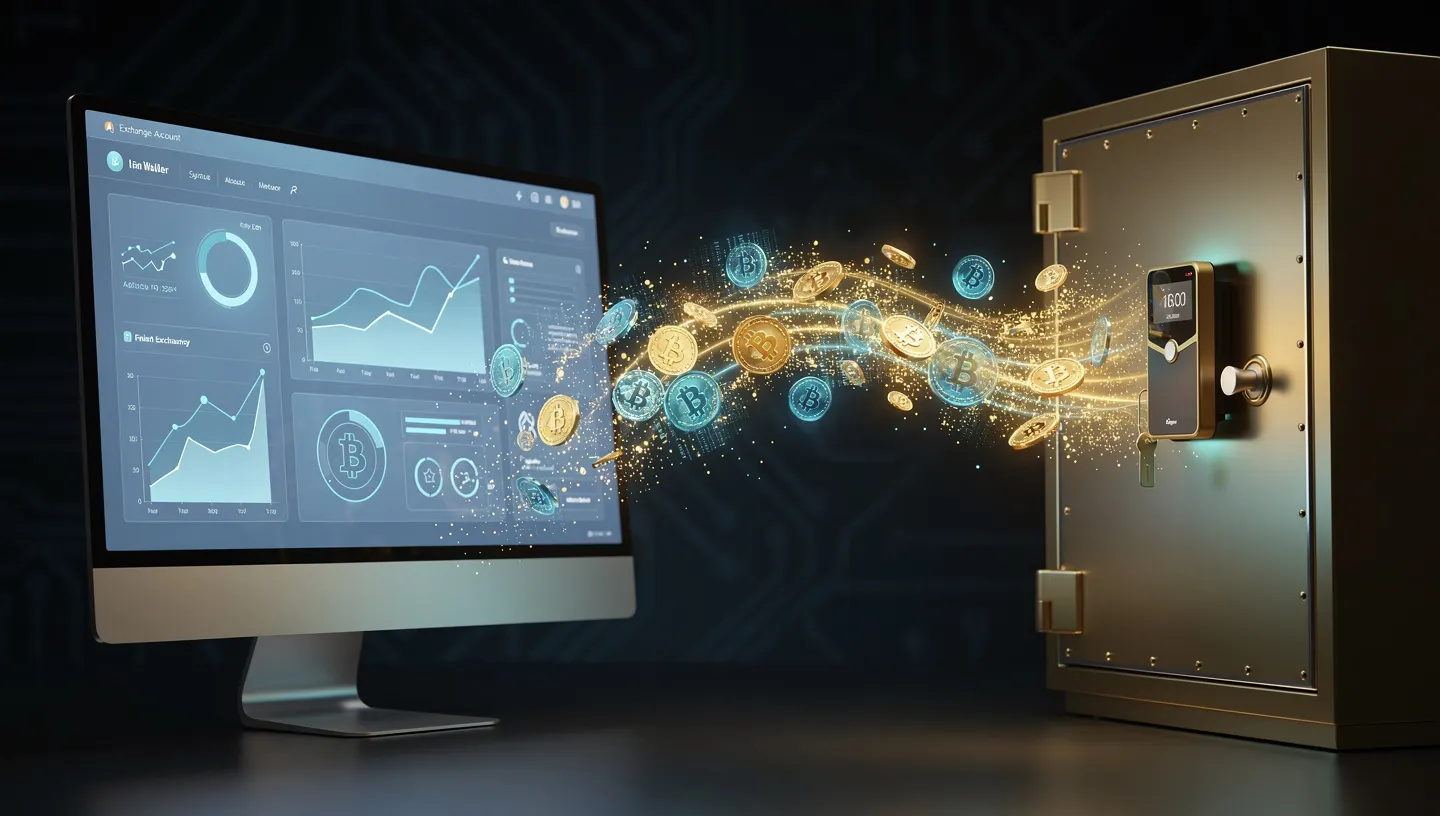
The hardware wallet’s screen cannot be tampered with remotely, so what you see there is what is real.
On Ledger
Open Ledger Live on your computer and connect your Ledger device. In the left menu, select the account you want to receive funds into, for example your Bitcoin account. Click the Receive button. Ledger Live will display an address on your computer screen and simultaneously show the same address on your Ledger device. Compare the two carefully. When they match, click the copy icon in Ledger Live to copy the address. This is the address you will paste into Coinbase.
On Trezor
Open Trezor Suite on your computer and connect your Trezor device. In the left column, select the account you want to receive funds into. Click Receive. Trezor Suite will show an address and prompt you to confirm it on the Trezor device itself. Check that the address displayed in Trezor Suite matches exactly what appears on your device’s screen. Once confirmed, copy the address from Trezor Suite. Do not send assets generated for a different cryptocurrency to this address, for example do not send Bitcoin Cash (BCH) to a Bitcoin (BTC) address.
How to send crypto from Coinbase to your cold wallet
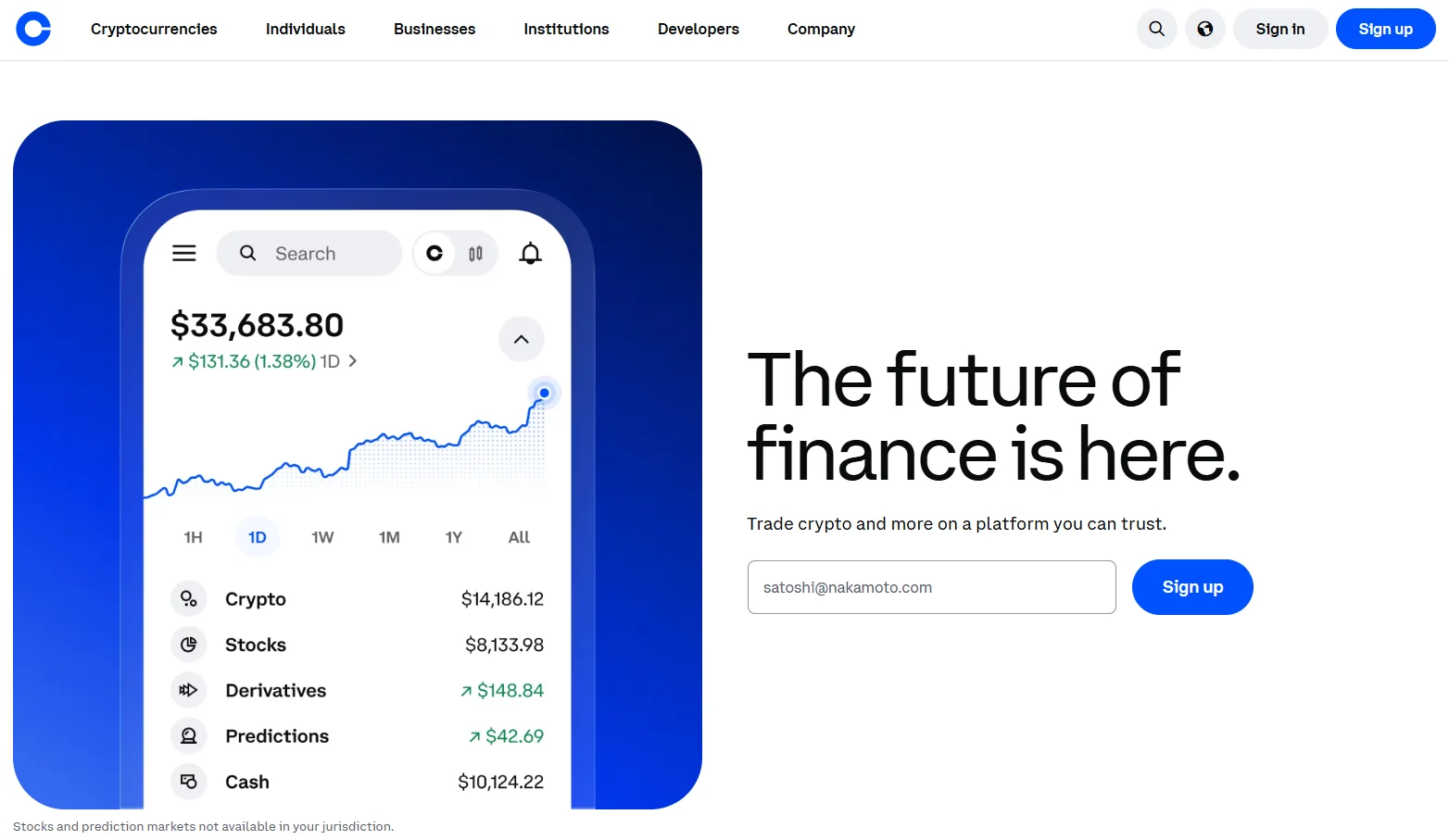
With your receiving address copied and ready, log in to your Coinbase account. The process is the same whether you are sending Bitcoin, Ethereum, or any other supported coin, with one key variable: you must select the correct network. The steps below apply to the Coinbase website and the mobile app.
- Log in to your Coinbase account through the official website or app
- Go to Send & Receive in the top navigation menu
- Select the Send tab
- Choose the cryptocurrency you want to transfer from the dropdown
- Paste your hardware wallet receiving address into the recipient field. Do not type it manually. Paste it, then read back at least the first four and last four characters against what is shown on your hardware wallet screen
- Select the correct network (see the network selection guide below)
- Enter the amount. For your first transfer, send a small test amount of $5 to $10 worth before sending the full balance
- Review the transaction details including the network fee shown by Coinbase
- Complete 2FA verification if prompted by Coinbase
- Confirm the transaction. Once confirmed, the transaction is broadcast to the blockchain and cannot be reversed
- Copy the transaction hash (TXID) that Coinbase provides after confirming. You will use this to track progress on a blockchain explorer
After confirming, go to Ledger Live or Trezor Suite and check your balance. For Bitcoin, use mempool.space to track the transaction. For Ethereum, use Etherscan.io. Paste the TXID into the search bar and you can see how many confirmations the transaction has received and when it is expected to complete.
Choosing the right network: the most common mistake
When you send crypto from Coinbase, Coinbase asks you to choose a network. This is where most transfer mistakes happen. Sending a coin on the wrong network can result in funds that are difficult or impossible to recover. The receiving address on your hardware wallet is only valid for one specific network. If you send ETH via the Arbitrum network but your Ledger is set up to receive on Ethereum mainnet, the funds will not appear and may not be recoverable.
The rule is simple: match the network in Coinbase to the network your hardware wallet address was generated on. For most hardware wallet users receiving standard coins, this means choosing the native network of each coin.
| Coin | Correct network in Coinbase | Common mistake to avoid |
|---|---|---|
| Bitcoin (BTC) | Bitcoin | Never select BEP20, Lightning, or any other network |
| Ethereum (ETH) | Ethereum | Do not select Base, Optimism, Arbitrum, or Polygon |
| USDT | Must match your wallet setup (ERC-20 or TRC-20) | Mixing networks sends funds to an incompatible address |
| USDC | Ethereum (ERC-20) for most hardware wallets | Solana USDC requires a Solana-compatible address |
| Solana (SOL) | Solana | SOL cannot be sent to an Ethereum address |
If you are unsure which network your hardware wallet supports for a specific coin, check the documentation on the Ledger or Trezor website before sending. Coinbase cannot recover crypto sent to the wrong network.
Always send a test transaction first
Before transferring your full balance, send a small test amount, $5 to $10 worth, to your hardware wallet. Wait for it to arrive and confirm it appears correctly in Ledger Live or Trezor Suite. Only then send the remainder.
This takes an extra few minutes and costs one additional network fee. It is worth it. If the address is wrong, the network is mismatched, or there is any other problem, you find out by losing a small amount rather than everything. Bitcoin transactions are irreversible. There is no undo button and no customer service call that can reverse a confirmed transaction sent to the wrong place. The test transaction is the cheapest insurance available.
How long does a transfer from Coinbase take?
Transfer time depends on which coin you are sending and how congested the network is at the time. Coinbase does not control confirmation time — the blockchain does. Paying a higher network fee generally moves your transaction higher in the queue.
| Coin | Typical wait time | Notes |
|---|---|---|
| Bitcoin (BTC) | 10 minutes to 1 hour | Most wallets consider 3-6 confirmations final |
| Ethereum (ETH) | 15 seconds to a few minutes | Gas price affects speed; check Etherscan for status |
| Solana (SOL) | Under a minute | Fast finality by design |
| USDT / USDC (ERC-20) | A few minutes | Depends on Ethereum gas fees at time of transfer |
If your transaction appears to be stuck for longer than expected, copy the TXID from Coinbase and search for it on the relevant blockchain explorer. The explorer will show whether the transaction is pending, confirmed, or failed. A transaction that stays in pending status can sometimes be resolved by waiting through a period of network congestion.
What fees does Coinbase charge?
Coinbase does not charge its own fee for sending cryptocurrency to an external wallet. You pay only the blockchain network fee, which goes to miners or validators on that network, not to Coinbase. Coinbase displays the estimated network fee before you confirm.
The network fee varies with demand. Bitcoin fees fluctuate based on how full recent blocks have been. Ethereum gas fees change by the minute and can rise sharply during periods of high network activity. USDC sent from Coinbase on all supported networks is free because Coinbase covers the network fee for USDC transfers. If you are sending a large ETH transfer and gas fees are high, waiting for an off-peak period, typically late night or weekends UTC, can reduce the cost significantly.
Can Coinbase block or delay my transfer?
Yes, in some situations. Coinbase has internal risk detection systems that can flag unusual activity and temporarily hold a withdrawal. This is not permanent. Common triggers include: first-time withdrawal to an external address, unusually large transfer amounts, a newly linked payment method, or an account with limited transaction history.
If Coinbase delays your transfer, you may be asked to verify your identity again or wait up to 72 hours before the transaction is processed. This happens more often with new accounts. It is a security measure rather than a restriction. If you are planning a large transfer, doing a smaller transfer first to establish a pattern with that receiving address can help avoid holds on subsequent larger transactions.
How to verify the transfer arrived in your cold wallet
After Coinbase confirms the transaction, open Ledger Live or Trezor Suite and check the balance of the account you sent funds to. If the balance has not updated immediately, click the refresh or sync button. Blockchain confirmations take time and the software needs to sync with the network.
If you want to verify independently of the wallet software, take the TXID provided by Coinbase and enter it into the relevant blockchain explorer. For Bitcoin, use mempool.space. For Ethereum and ERC-20 tokens, use Etherscan. The explorer shows the current number of confirmations, the sending address, the receiving address, and the amount. Confirm that the receiving address matches the address shown on your hardware wallet device screen. Once you see the expected number of confirmations, the transfer is complete.
Troubleshooting: common problems and how to fix them
Crypto not showing up in the hardware wallet
If the transaction appears confirmed on the blockchain explorer but your hardware wallet software is not showing the balance, the most common cause is that the wallet software needs to sync. Close Ledger Live or Trezor Suite completely and reopen it. If the issue persists, check that you have the correct coin app installed on the device and that you are looking at the right account. For tokens like USDT or USDC, make sure the token is enabled in the account view. Outdated firmware can also cause display issues, so check whether an update is available.
Coinbase is holding my transfer
If Coinbase has placed a hold on your withdrawal, wait through the period shown in your Coinbase notification. If identity verification is requested, complete it through the official Coinbase website or app. Do not click links in emails claiming to be from Coinbase support asking you to verify urgently, these are phishing attempts. Contact Coinbase through their official help centre if the hold extends beyond the stated period.
Sent to the wrong network
This is the most serious scenario. If you sent ETH on the Ethereum network to a Ledger Ethereum address but your Ledger was set up on a different EVM-compatible network, there may be a way to import the private key into a wallet that supports that network. EVM-compatible networks share address formats, which means funds sent to an Ethereum address on Arbitrum or Optimism may be recoverable if you access that address on the correct network. However, if you sent Bitcoin to an Ethereum address or vice versa, funds are almost certainly gone permanently. Coinbase explicitly states it cannot recover crypto sent to incorrect blockchain networks. This is why the network selection step and the test transaction matter so much before any large transfer.
Frequently asked questions about moving crypto from Coinbase to a cold wallet
Does Coinbase charge a fee to send crypto to an external wallet?
Coinbase does not charge its own fee for sending cryptocurrency to an external wallet. You pay only the blockchain network fee, which is determined by the coin and current network conditions. USDC transfers from Coinbase are free on all supported networks because Coinbase covers the fee.
Can I send any crypto from Coinbase to a hardware wallet?
You can send any coin that is supported by both Coinbase and your hardware wallet. Ledger supports over 5,500 cryptocurrencies. Trezor supports around 1,000. Before sending, confirm in Ledger Live or Trezor Suite that the specific coin is supported and that you have the correct app installed on your device.
What happens if I send crypto to the wrong address?
The transaction is irreversible once confirmed on the blockchain. There is no mechanism to cancel it and no authority to appeal to. If you send to an address nobody controls, the funds are permanently lost. If you accidentally send to someone else’s correct address, the only recovery path is if that person chooses to send the funds back voluntarily. This is why double-checking the address before confirming, including verifying it on your hardware wallet screen, is non-negotiable.
Can Coinbase recover my funds if I make a mistake?
Coinbase cannot reverse transactions that have been confirmed on the blockchain. It also cannot recover funds sent to unsupported networks or wrong addresses. Coinbase support may be able to assist with transactions that were flagged or held before confirmation, but once a transaction is broadcast and confirmed, it is final.
What is the difference between Coinbase and Coinbase Wallet?
Coinbase exchange is a custodial platform where Coinbase holds your private keys. Coinbase Wallet is a separate self-custody software wallet where you control your own keys. Moving crypto to Coinbase Wallet gives you custody but it is still a hot wallet because it runs on an internet-connected device. Moving to a hardware wallet like Ledger or Trezor gives you custody and keeps keys offline. For a full breakdown of the custodial difference, the guide on custodial vs non-custodial wallets explains both clearly.
How do I know which network to choose when sending from Coinbase?
Match the network in Coinbase to the network your hardware wallet address was generated on. For Bitcoin, always select the Bitcoin network. For Ethereum, select Ethereum mainnet unless you specifically set up your hardware wallet for a layer 2 network. When in doubt, check the documentation on your hardware wallet manufacturer’s website before sending. If you are unsure, send a small test amount first and verify it arrives correctly before sending more.
Is it safe to connect my Ledger to Coinbase Wallet?
Connecting a Ledger hardware wallet to the Coinbase Wallet browser extension is a supported configuration and generally safe. Your private keys remain on the Ledger device at all times. The Coinbase Wallet extension acts as the interface but cannot access the keys directly. You must physically confirm every transaction on the Ledger device itself. The risk is lower than using a software wallet alone, but you are still interacting with web-based applications, so the usual precautions about phishing apply.
Do I need to keep my hardware wallet connected to receive crypto?
No. Your hardware wallet does not need to be connected or powered on to receive crypto. Your crypto balance exists on the blockchain, not inside the device. The hardware wallet only needs to be connected when you want to send funds or verify your balance through Ledger Live or Trezor Suite. You can safely disconnect and store the device after generating a receiving address and sending funds to it.
How do I move my crypto back from a cold wallet to Coinbase if I want to sell?
Connect your hardware wallet, open Ledger Live or Trezor Suite, and use the Send function to transfer funds to your Coinbase deposit address. The process is the reverse of this guide. Your Coinbase deposit address is found by going to the Receive section on Coinbase and selecting the relevant coin. For the full process including security considerations, the guide on how to sell crypto from a cold wallet covers each step.
Sources: CoinLedger: How to Move Crypto From Coinbase to Wallet | Trezor: Moving from Coinbase to Trezor